

Vision board app · Free on iPhone
Build Your 2027 · 15 Dec – 14 JanA vision board app that links every picture to a habit.
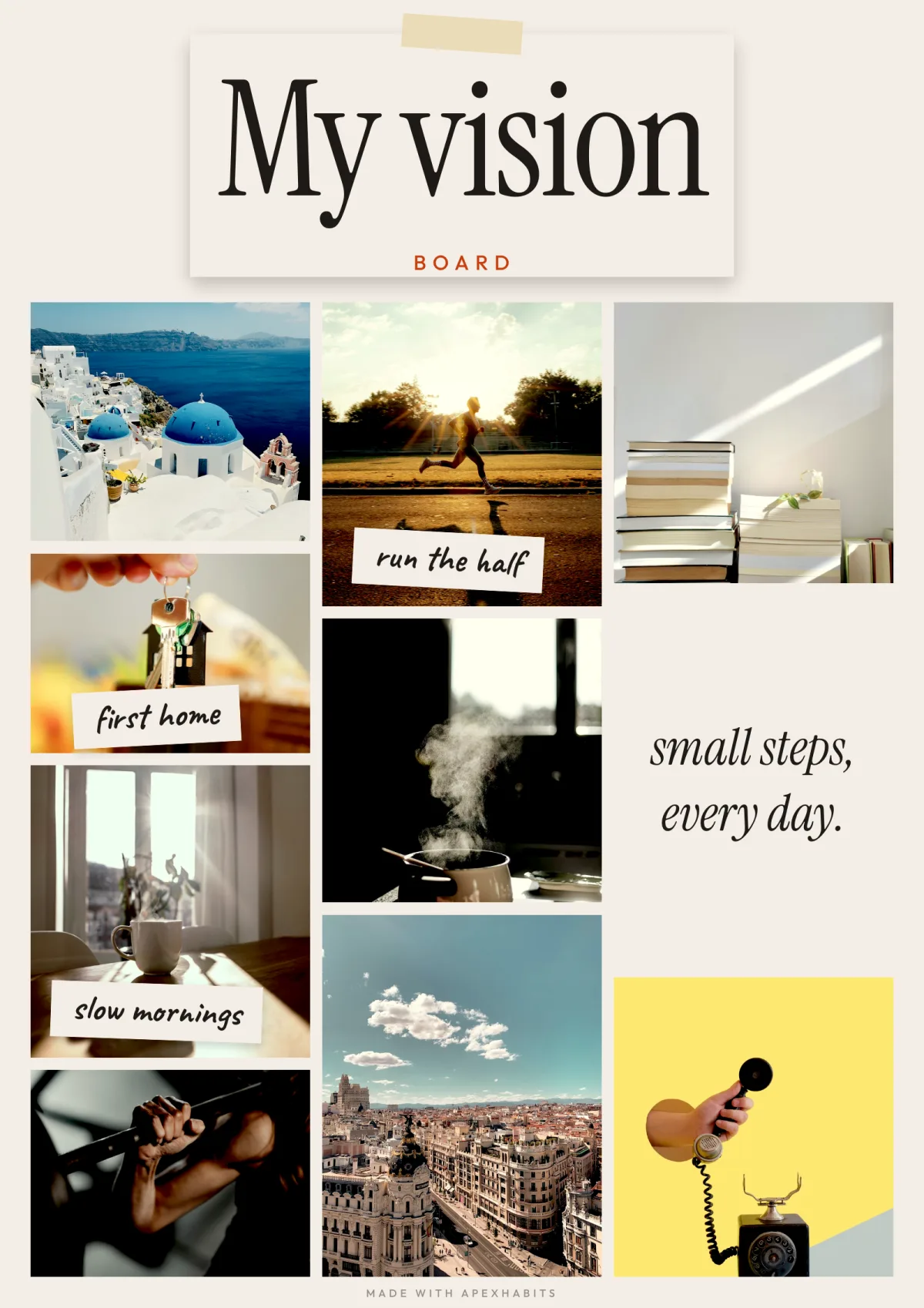
Make a vision board from real pictures and link each one to the habit that gets you there. Keep it on your Lock Screen, share it, or print it. Free on iPhone.

Free on iPhone. No account needed.
How to make a vision board on iPhone
From a picture to a habit in four steps.
Step 01
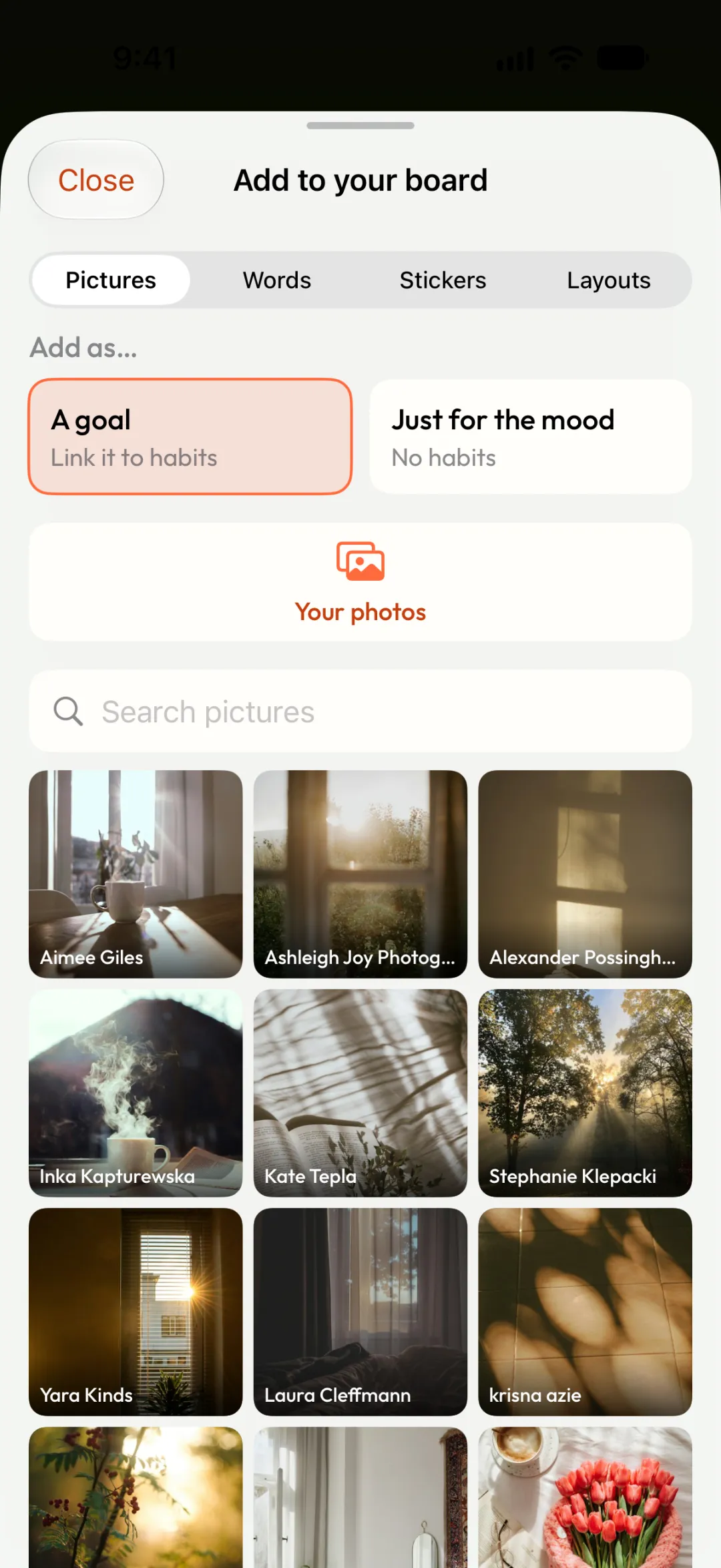
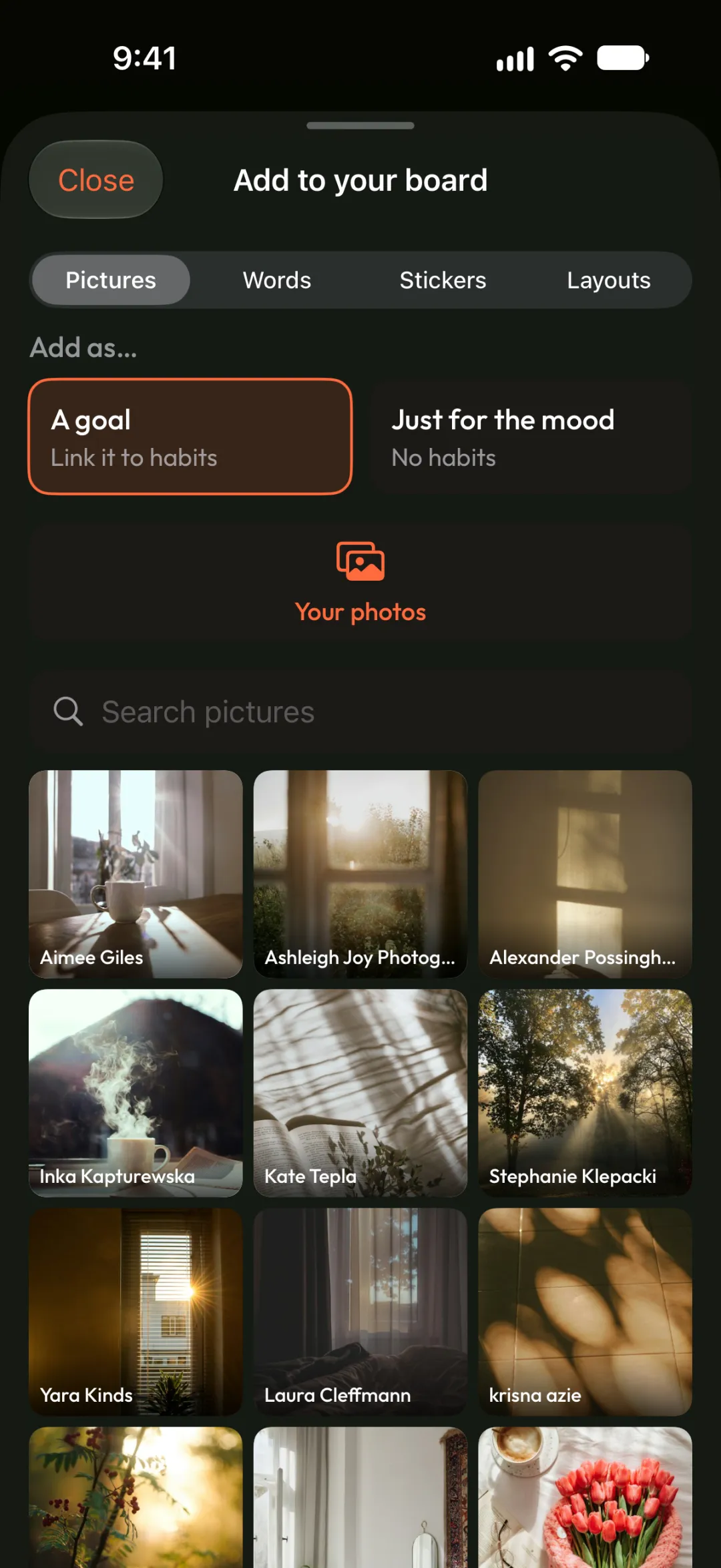
Pick your pictures
Use your own photos, or find one in the free Unsplash library.
Step 02
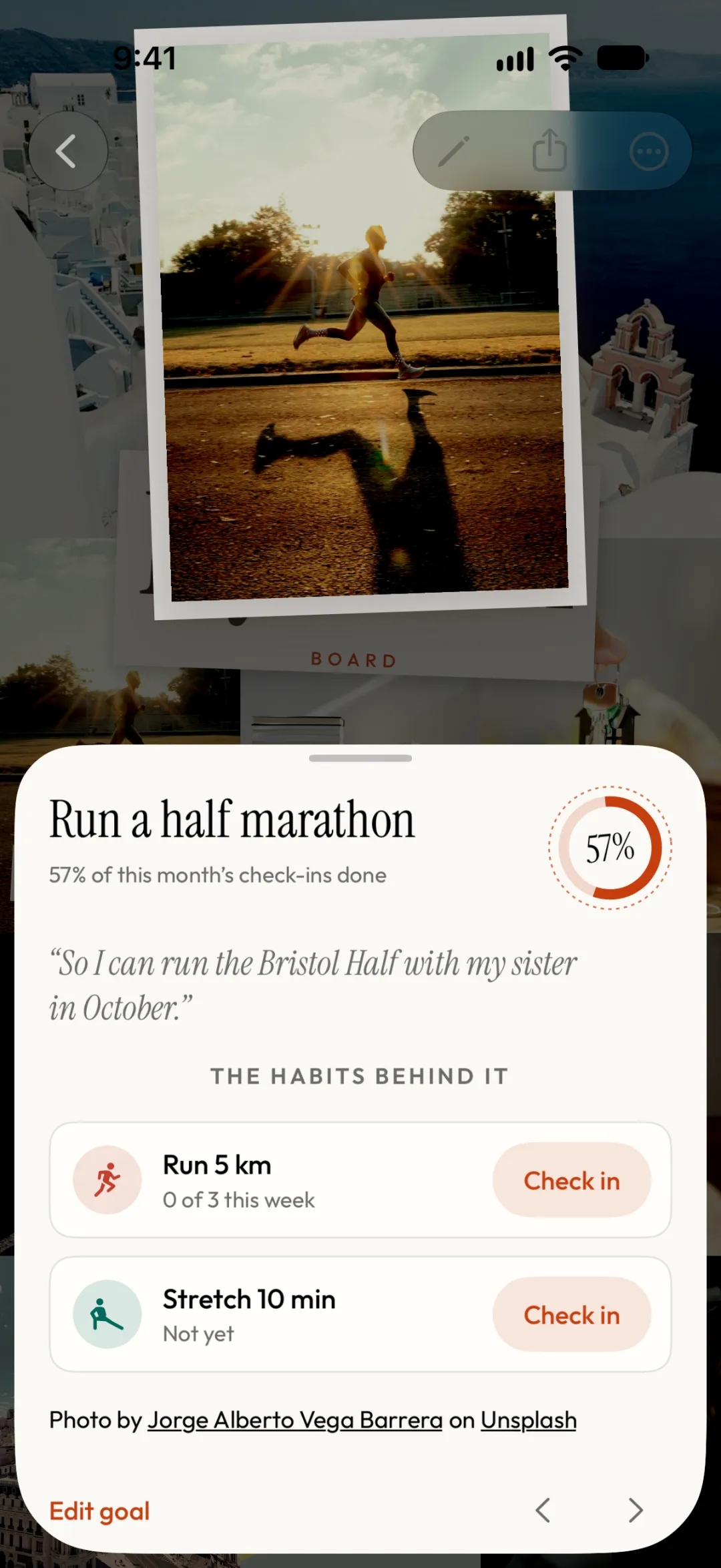
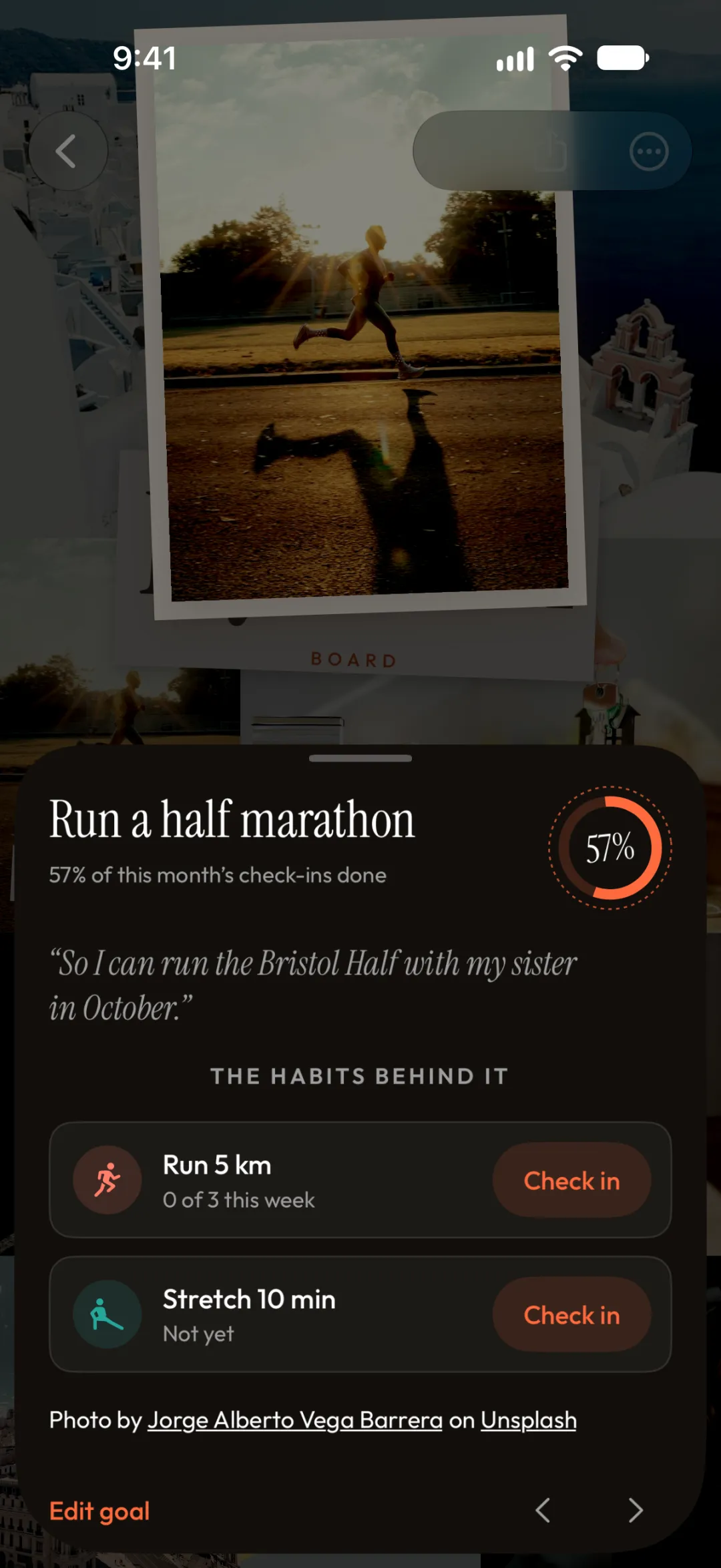
Link the habits behind them
Tap any picture in the app to see its habits and check in. The board stays beautiful; the progress lives underneath.
Step 03
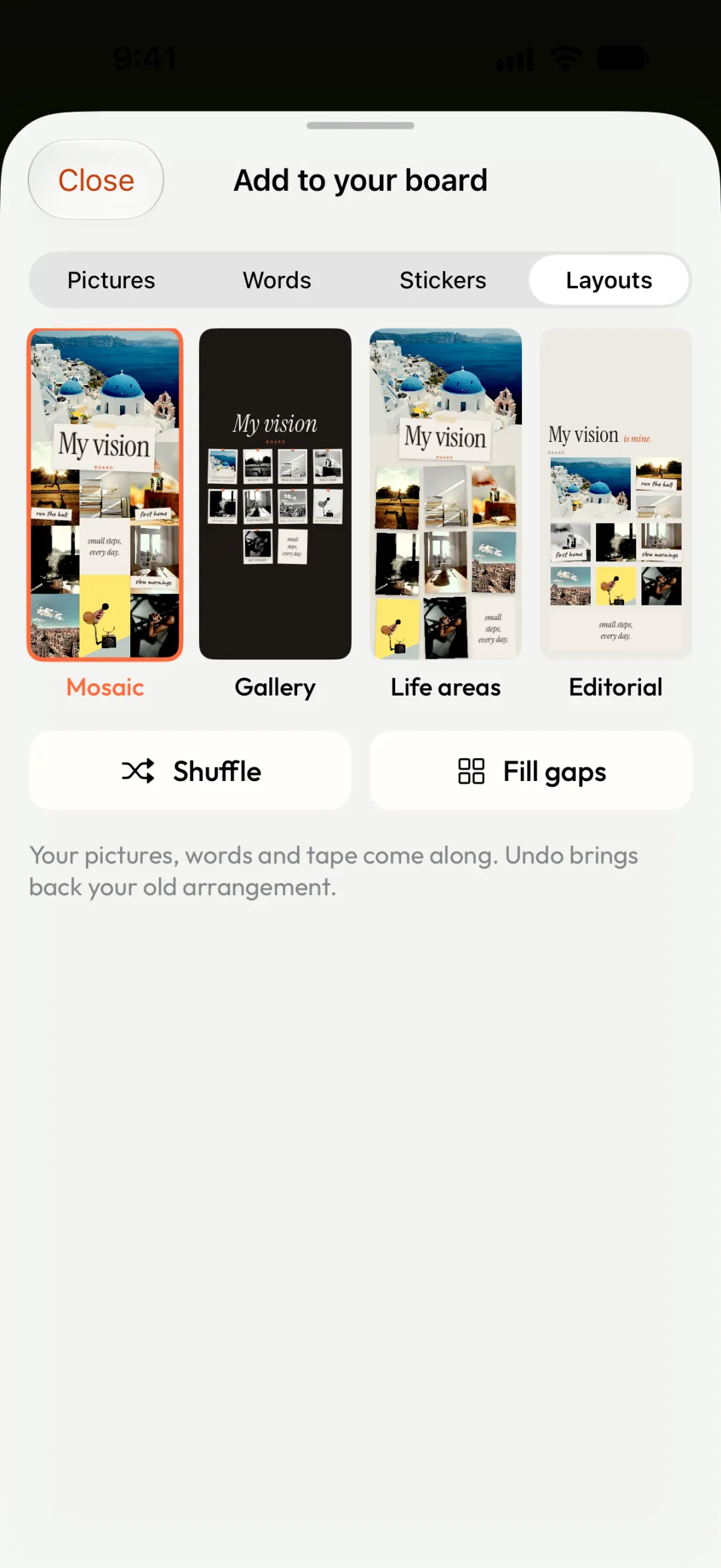
Choose a layout
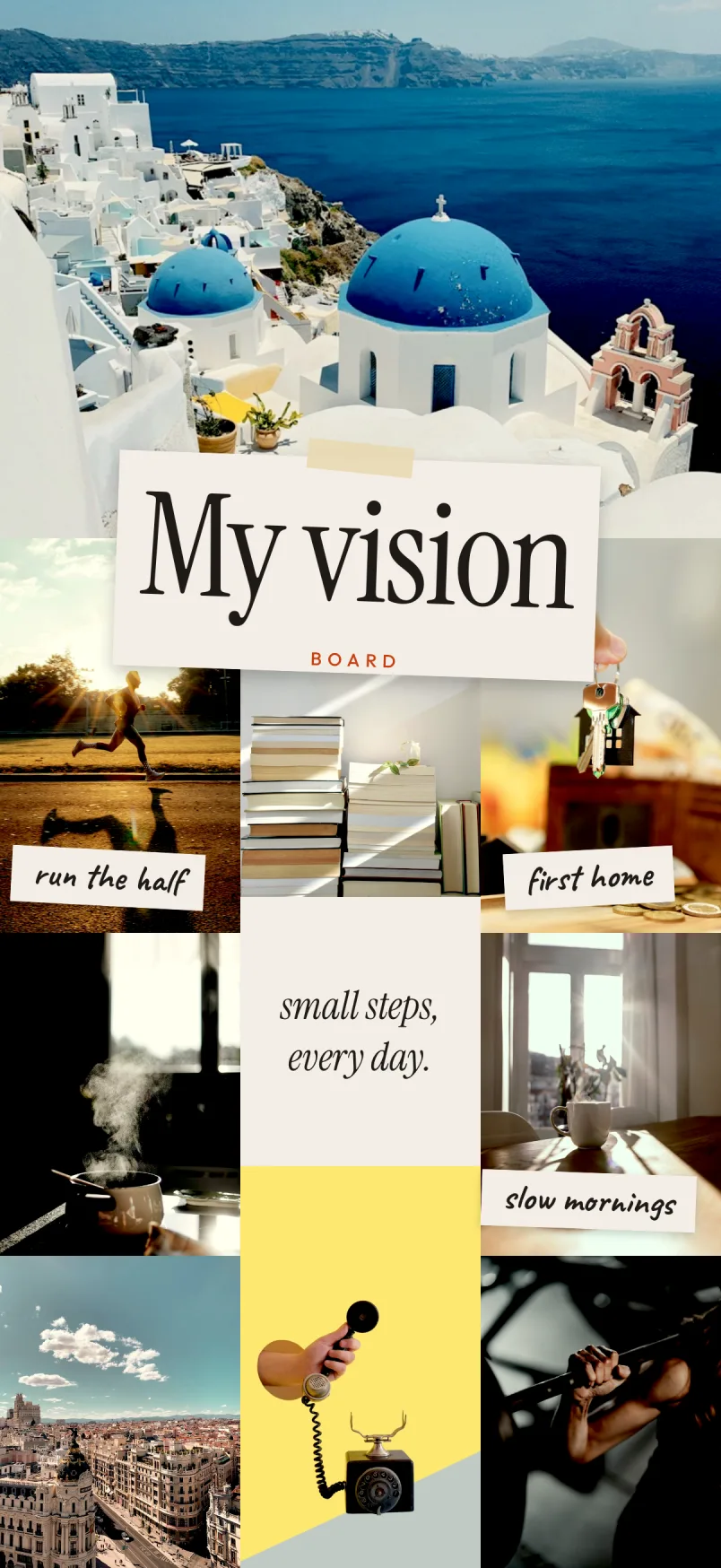
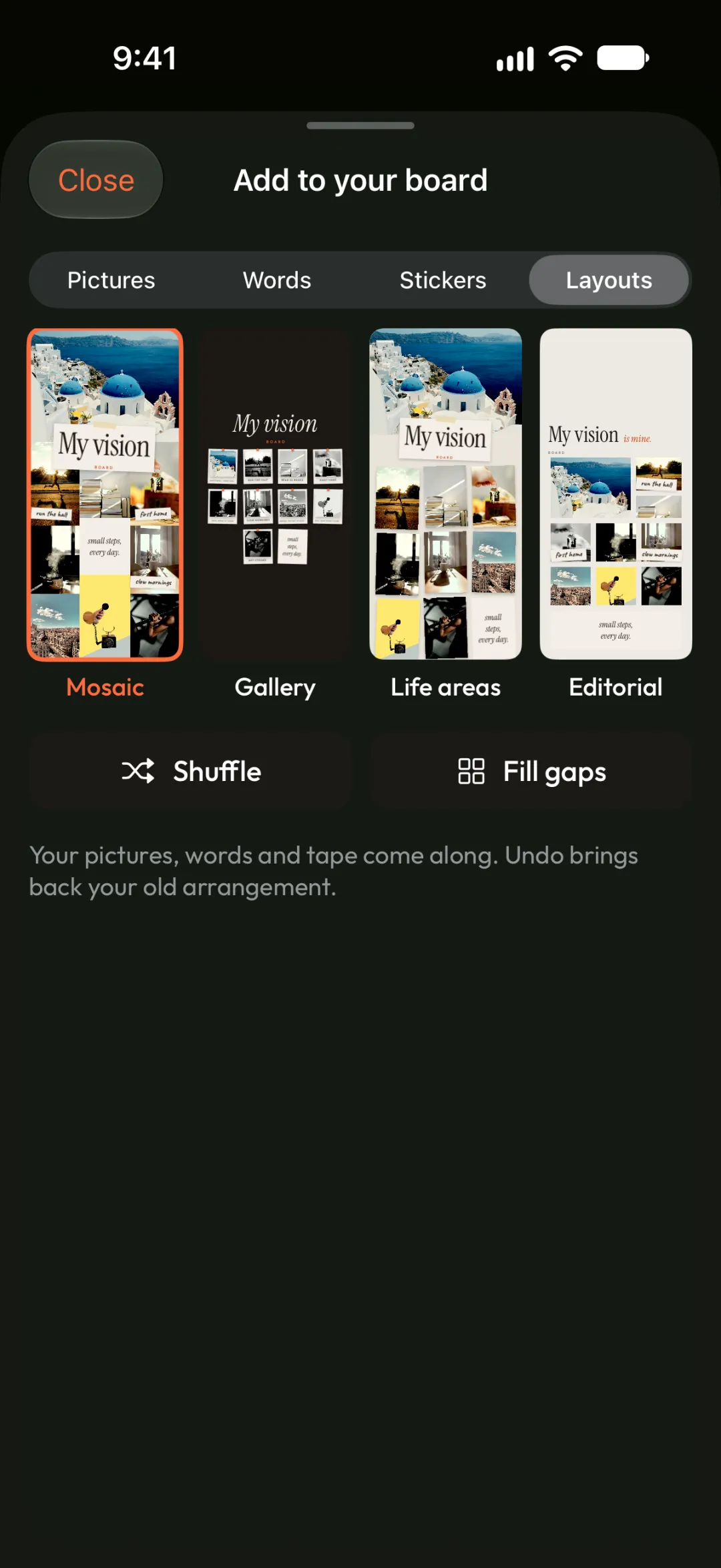
Pick Mosaic, Gallery, Life areas or Editorial. Shuffle or Fill gaps tidies it in one tap.
Step 04
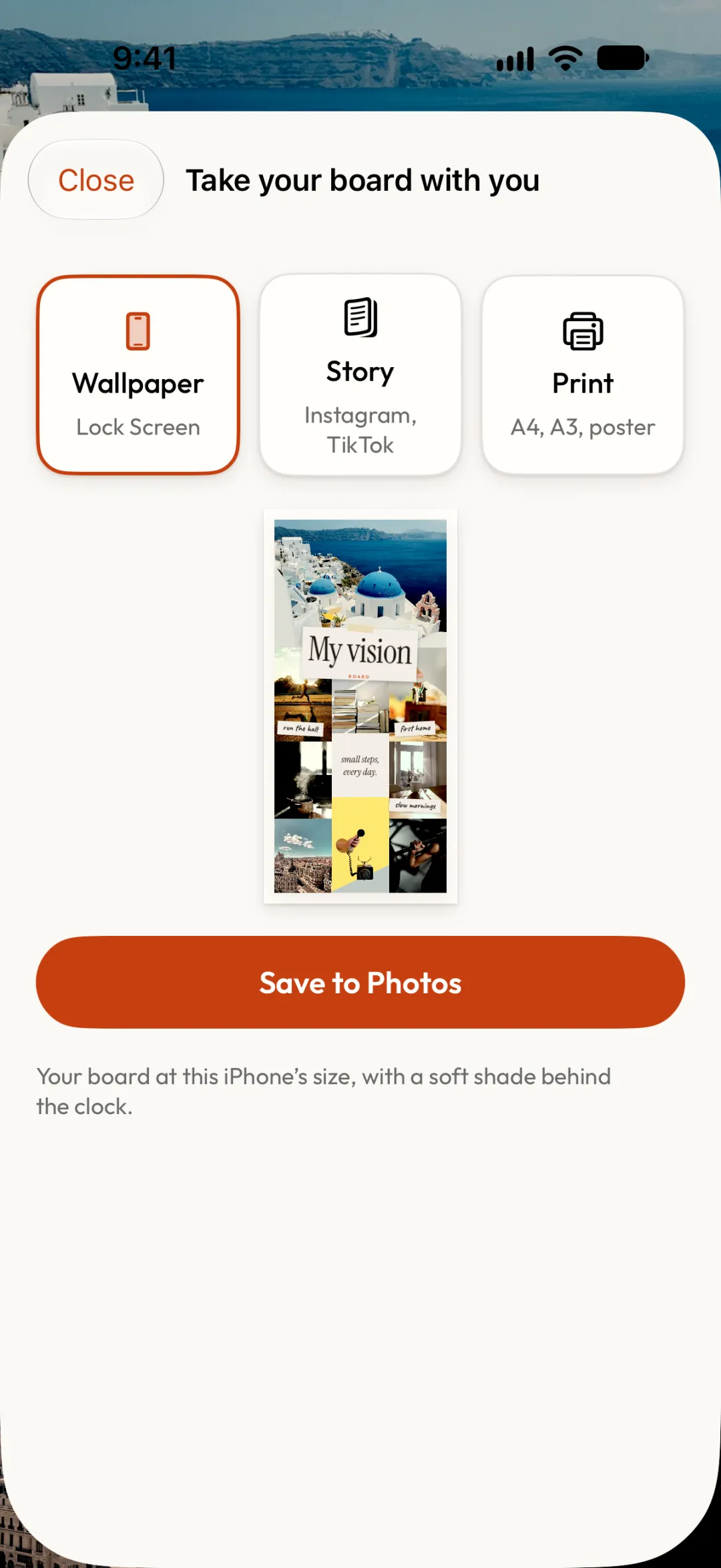
Keep it in sight
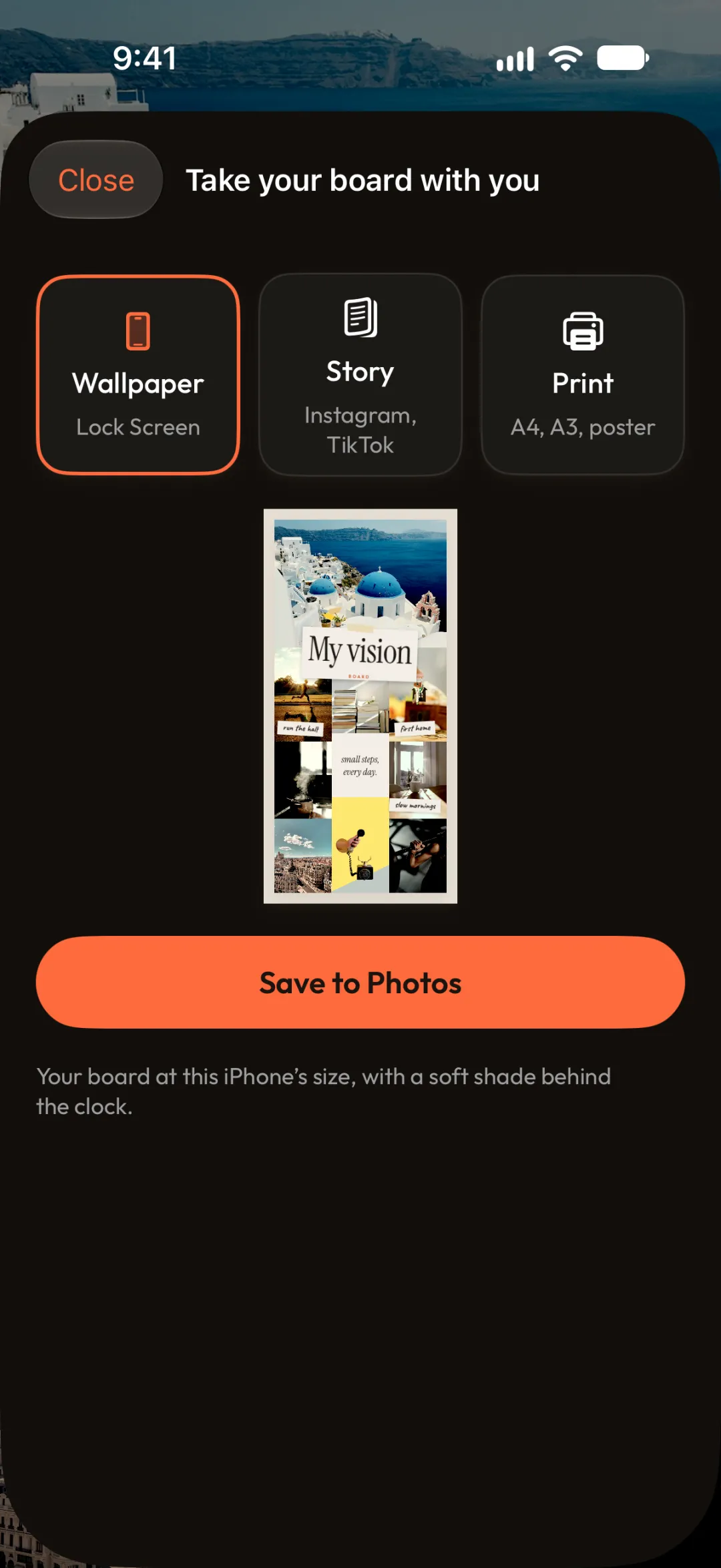
Set it as your Lock Screen, share it as a Story, or print a poster from A4 to 18 × 24 in.
Layouts
Four looks. All free.
Switch layouts any time. Your pictures re-flow to fit, on your phone and on paper.
Mosaic
Photos edge to edge
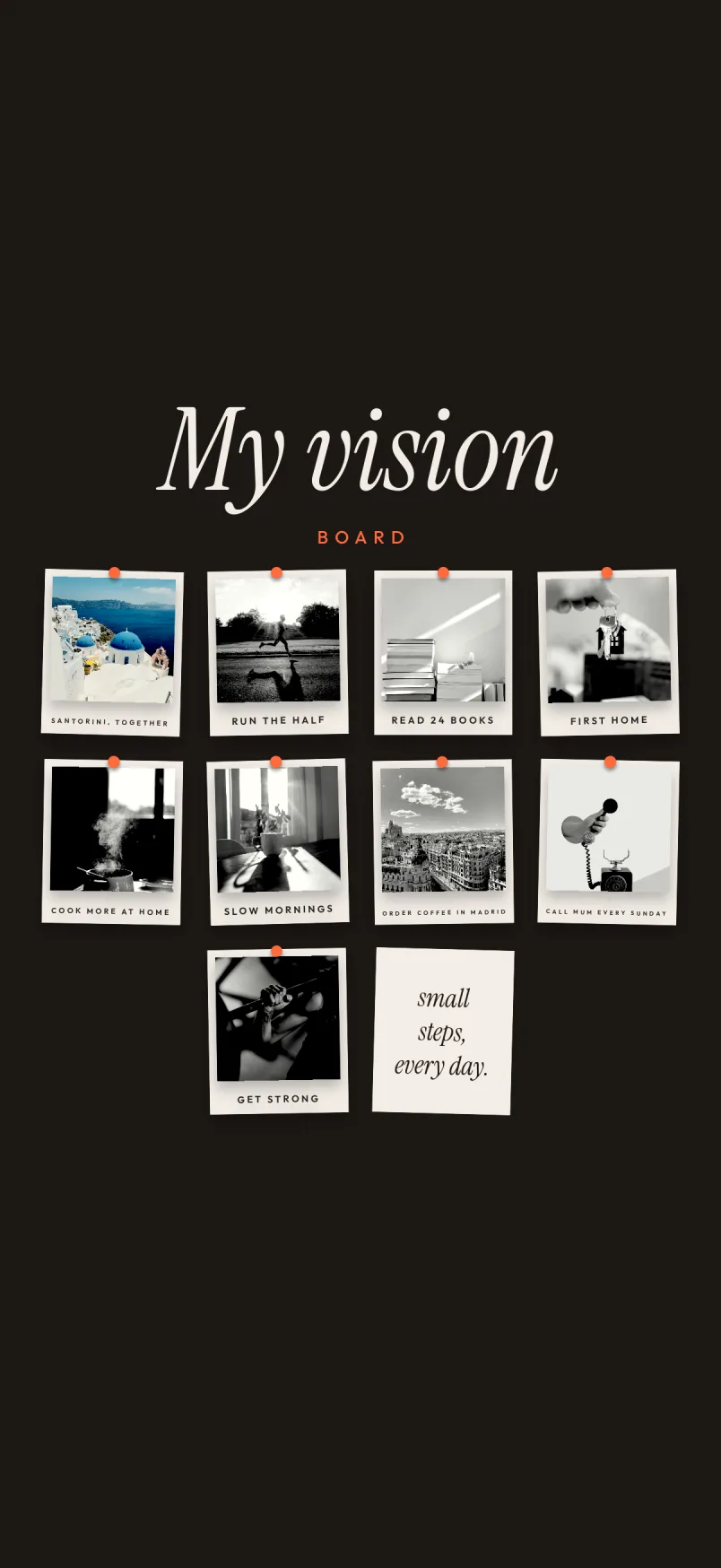
Gallery
Pinned prints on dark
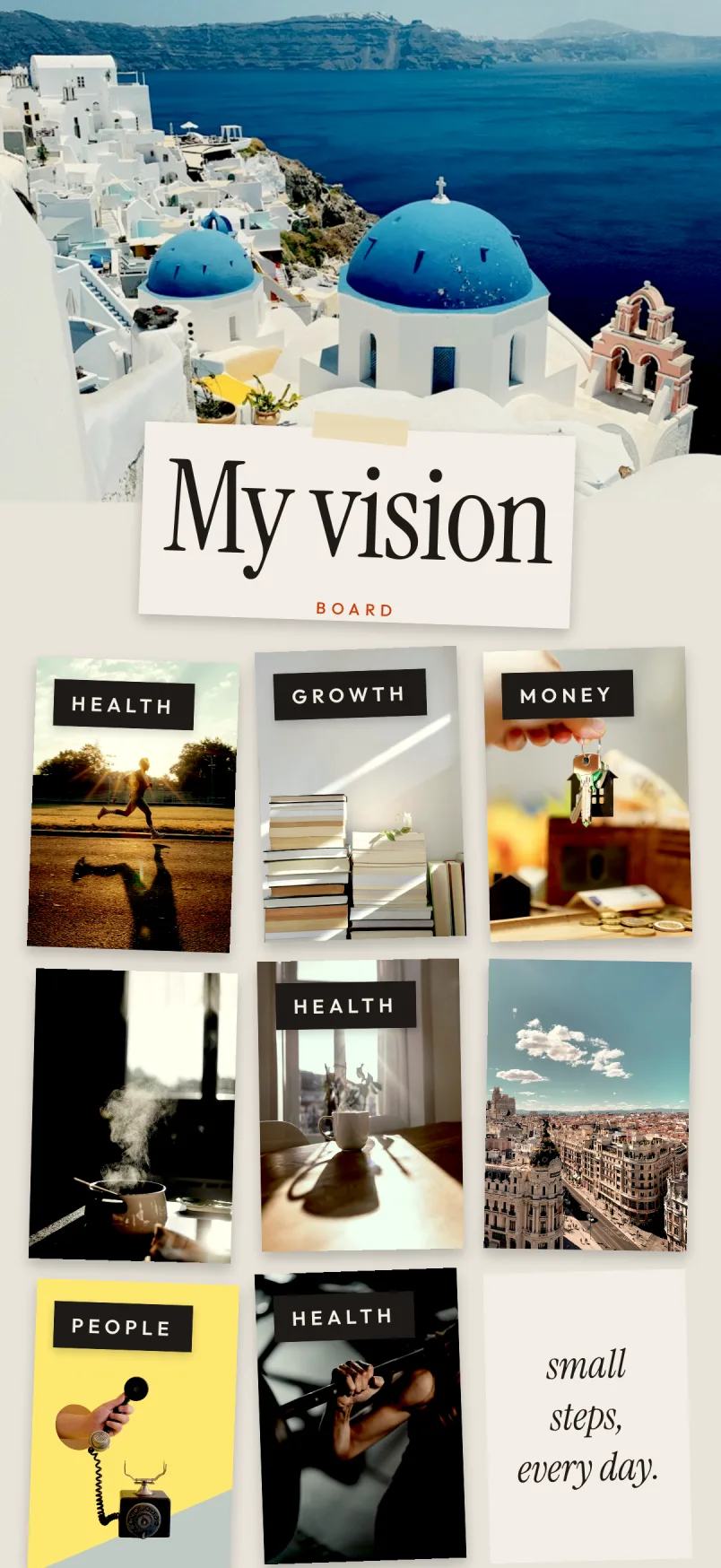
Life areas
Grouped by part of life
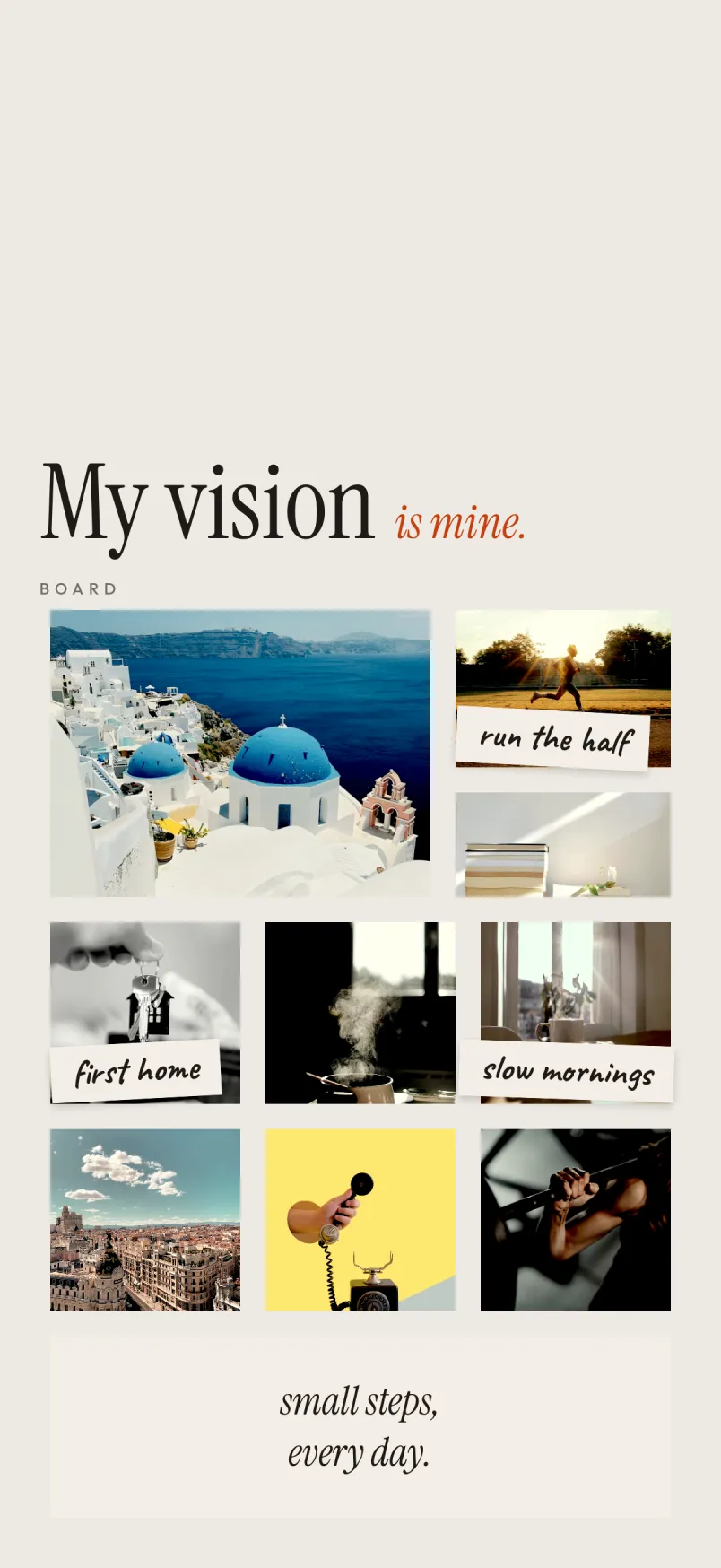
Editorial
Calm, with room to breathe
Example board photos by Chloé Lefleur, Jorge Alberto Vega Barrera, Asal Lotfi, Jakub Żerdzicki, Gaelle Marcel, Aimee Giles, Alev Takil, Elena Koycheva and Tyler Raye on Unsplash.
Ideas
What to put on your vision board
Pick one picture for each part of life you want to grow this year, then give it a habit you can do this week.
Health & fitness
A runner at sunrise or a mountain trail. Habit: walk 8,000 steps, or run three times a week.
Learning
A stack of books or a language you want to speak. Habit: read 20 pages, or practise for 15 minutes.
People
Dinner with friends or family time. Habit: call someone you love, or plan one evening a week.
Places
The city or coast you want to see. Habit: put money aside, or learn ten words a day.
Work & money
Keys to a first home or your own studio. Habit: save every payday, or one hour of deep work.
Daily rituals
A morning coffee, a quiet journal. Habit: wake at 7, or write one line before bed.
Questions
Vision board app FAQ
With Connected
Better with someone in your corner.
Share your board with an accountability partner. They see your pictures, cheer your goals and comment on them, and any goal you keep private stays hidden. You can also build one board together.
Your board starts with one picture.

iPhone. Free. No account needed.